
How to Edit your Delivery Settings
How to Edit your Delivery Settings
0 CommentsHOW TO FIND THE SUBSCRIPTION PAGE
Step 1: Log into your account
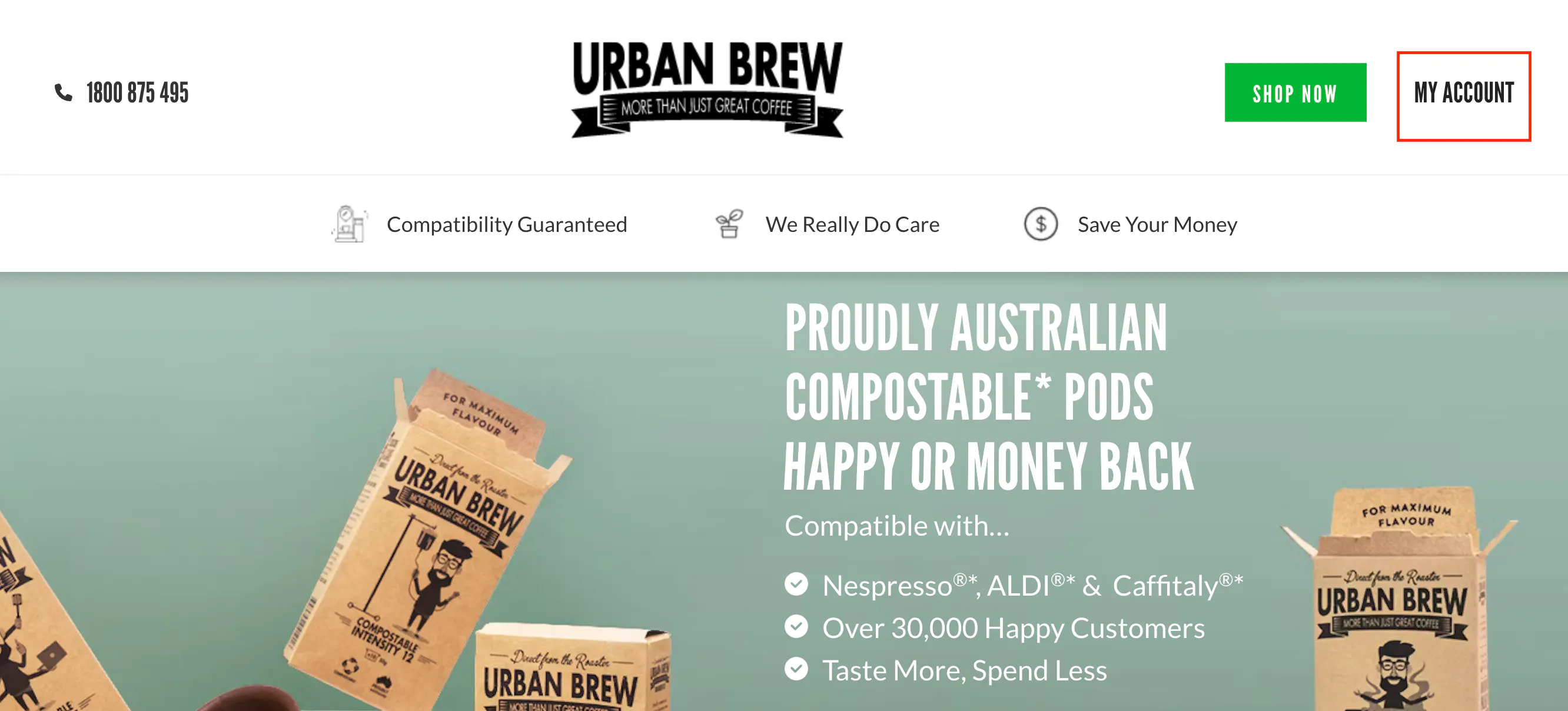
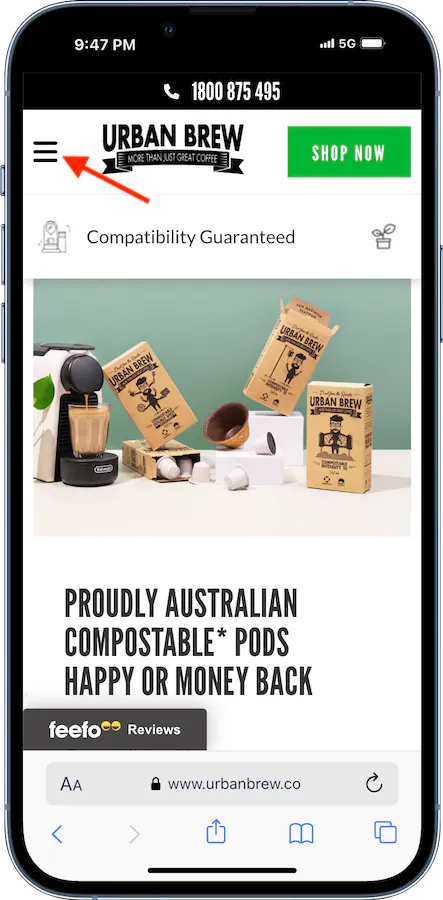
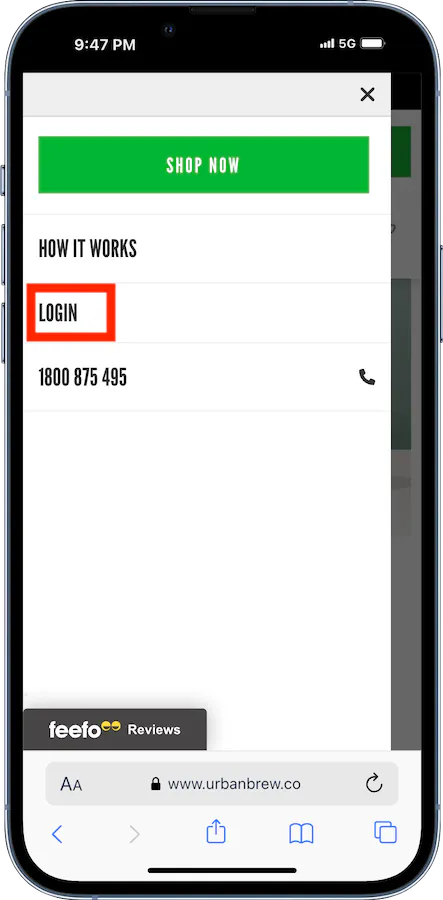
Step 2: Click on the Subscription button on the top right of the page
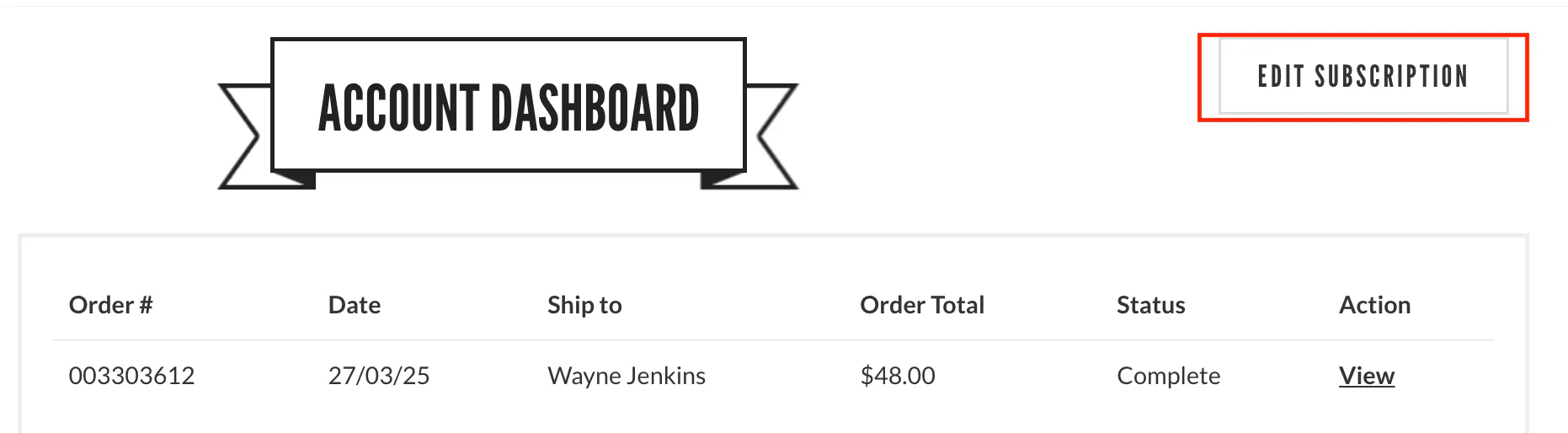
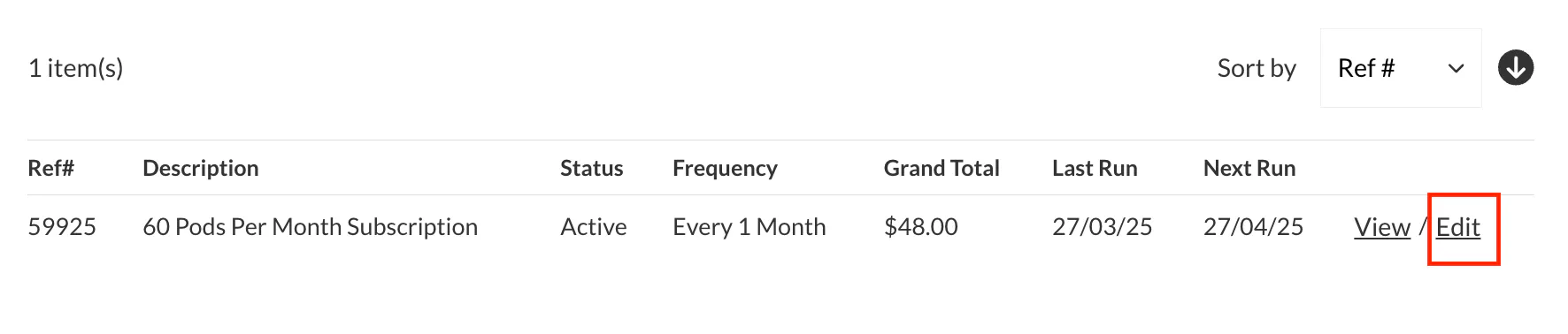
Step 3: Click on the Edit link on the right of the page
HOW TO EDIT YOUR DELIVERY SETTINGS
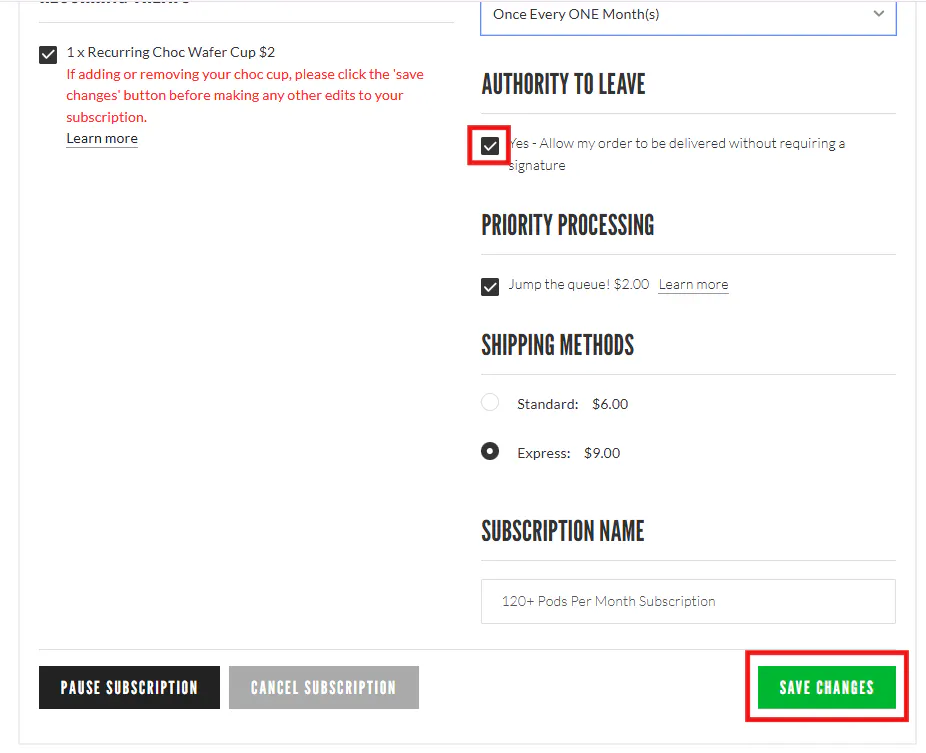
You can change your delivery preference by ticking or unticking the ‘Authority to Leave’ checkbox in your account settings. Don’t forget to click ‘Save Changes’ when you’re done.
- If the box is checked: Australia Post will leave your parcel in a safe place at your address, if one is available and considered secure.
- If the box is unchecked: Your parcel will require a signature. If no one is home at the time of delivery, it will be taken to the nearest collection point for you to pick up.
QUESTIONS? QUERIES? WANNA SAY HEY?
Checkout our FAQs, send me an email at hello@urbanbrew.co, call us on 1800 875 495 or text us on 0480 030 347. We are happy to help!
Be happy,

Toby Strong (aka The Podfather)
Founder & Customer Happiness Specialist

Posted in How to