
How to edit your Subscription
VIDEO TUTORIALS: HOW TO EDIT YOUR SUBSCRIPTION

HOW TO FIND THE SUBSCRIPTION PAGE
Step 1: Log into your account
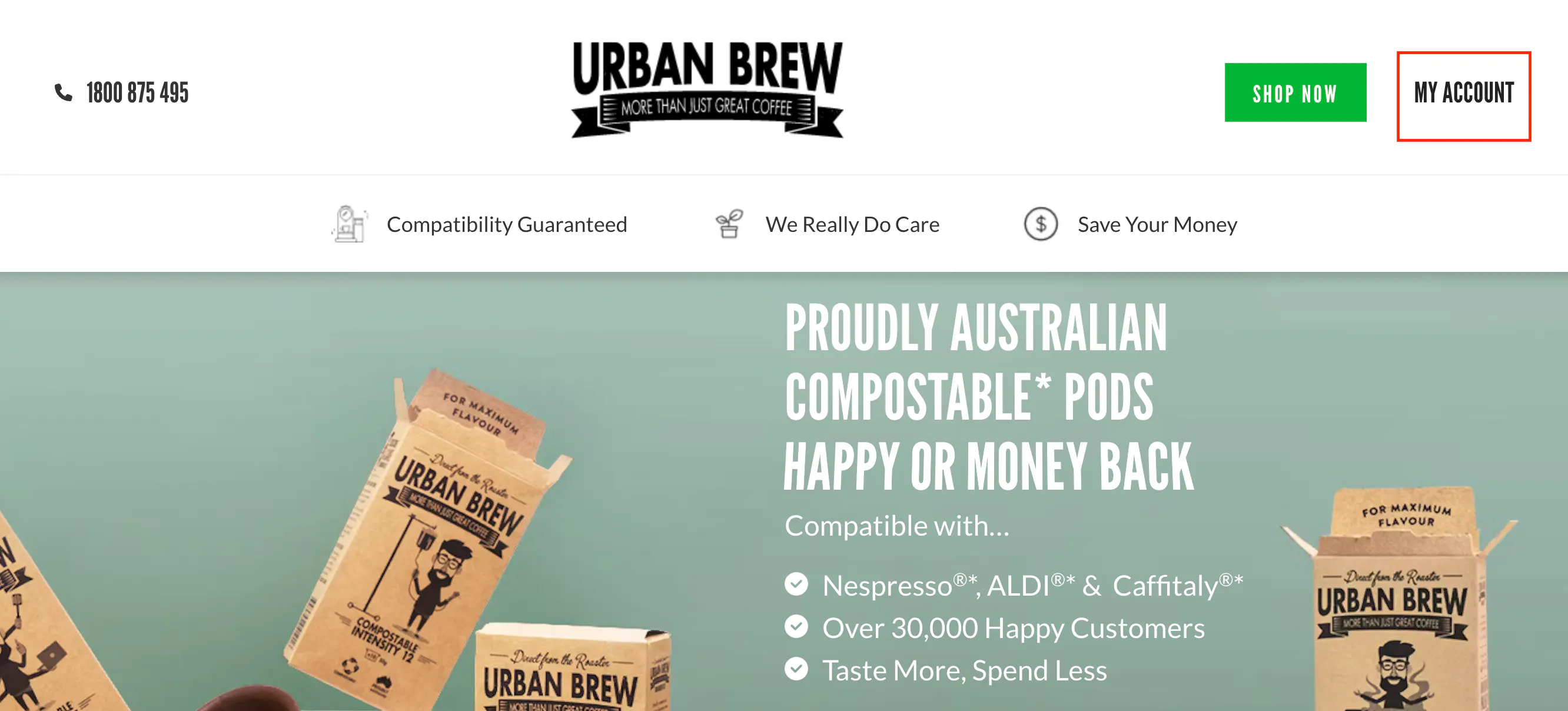
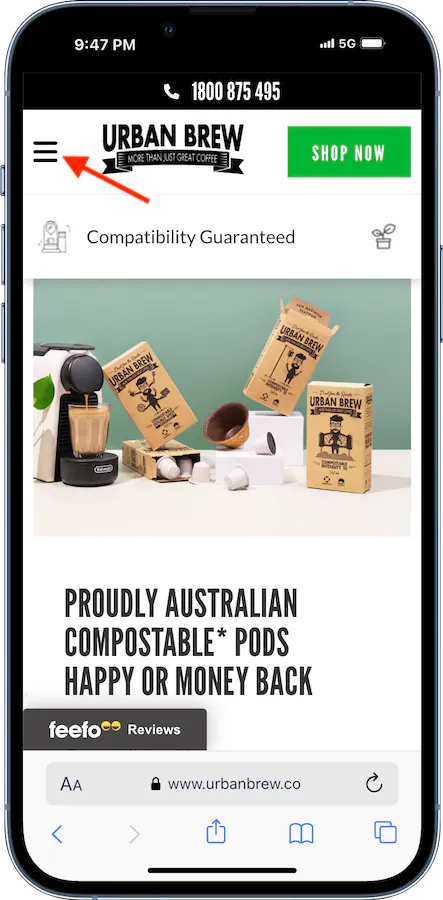
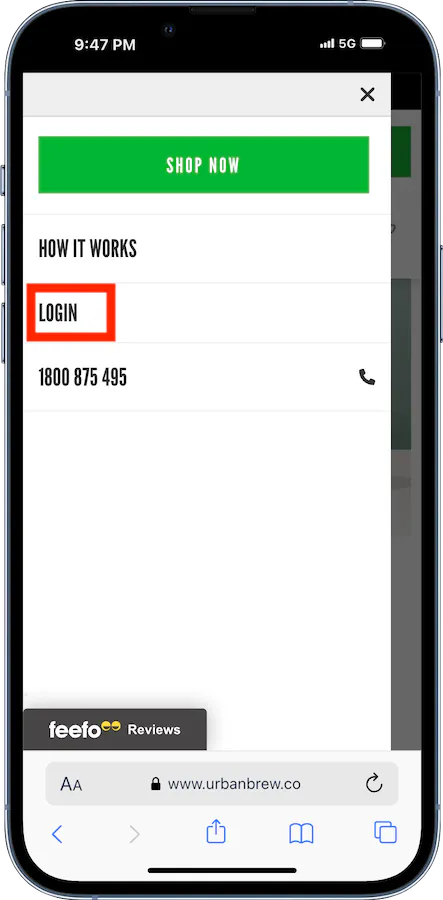
Step 2: Click on the Subscription button on the top right of the page
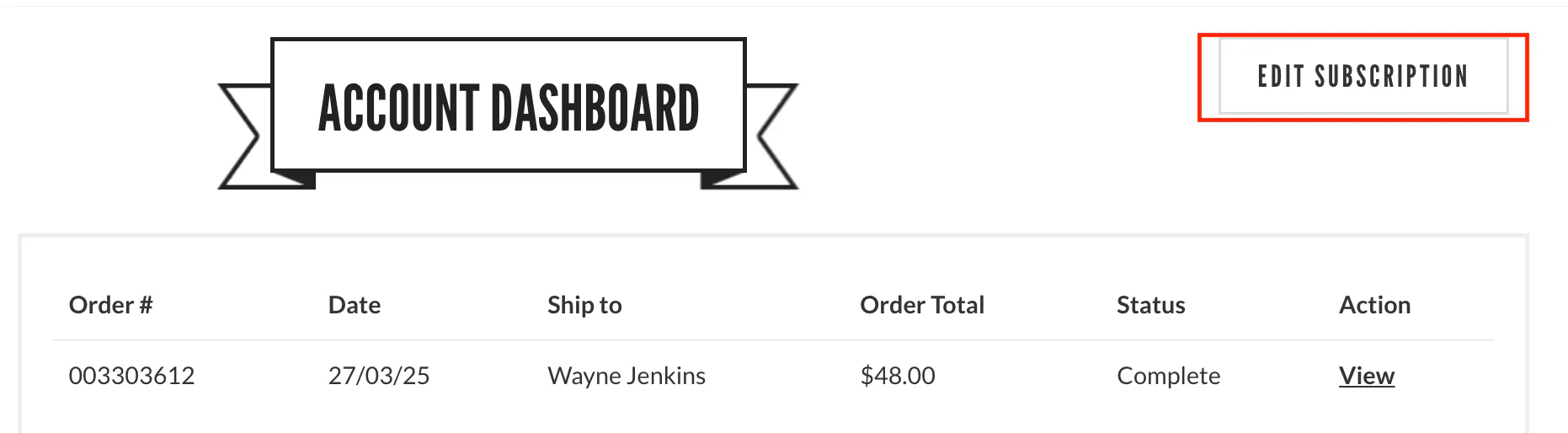
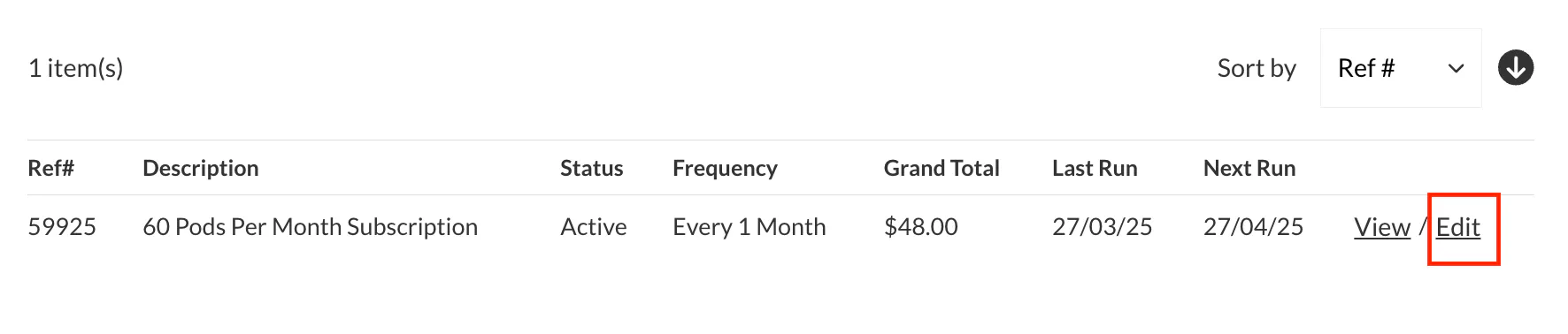
Step 3: Click on the Edit link on the right of the page
HOW TO EDIT YOUR ADDRESS
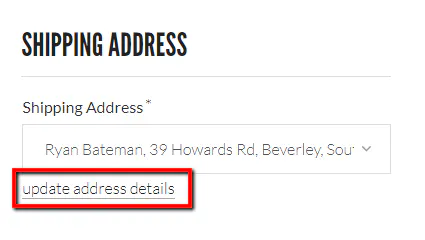
You can add a new address or update your current one by clicking on the update address details link. This will redirect you to the Address Book page. Add the new address into your address book. Then return to the subscription edit page and you will then find your new address in the Address drop down. Select the new address in thr drop down.
HOW TO EDIT YOUR PAYMENT METHODS
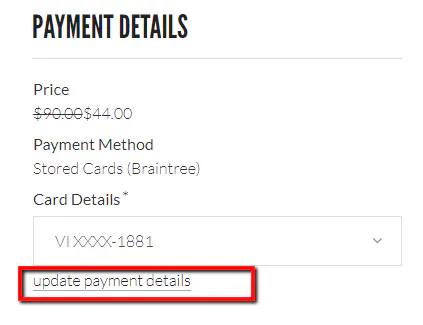
You can add a new credit card by clicking on the update payment details link. This will redirect you to the Payment Details page where you can edit/delete your cards. This payment method will then be automatically updated in your subscription. When you return to the subscription edit page you will then find your different card options in the Payment details drop down.
HOW TO EDIT YOUR RENEWAL DATE OR BILL NOW
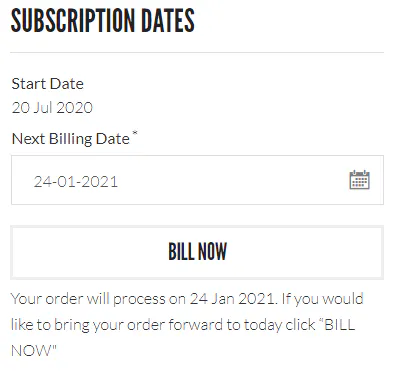
Here you can adjust the renewal date of your next subscription order using the calender. You can also click the Bill Now button to renew your subscription straight away. Your order will then renew a month from the new date.
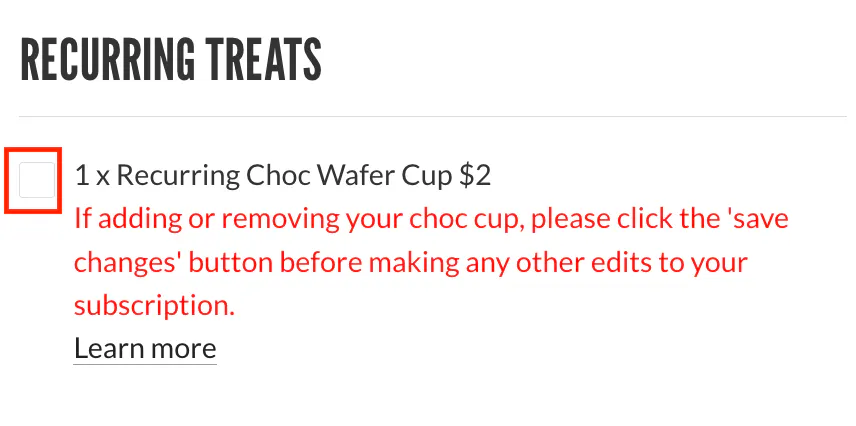
HOW TO ADD A RECURRING WAFER CUP
Add or remove a Choc Wafer Cup by using the click box. It will be delivered every month (maximum 1 per subscription).
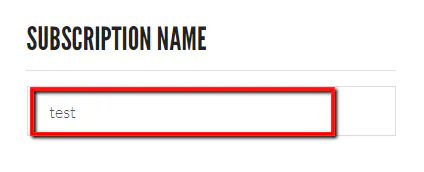
HOW TO EDIT YOUR SUBSCRIPTION NAME
If you have multiple subscriptions you can edit the name of the subscription to help identify them.
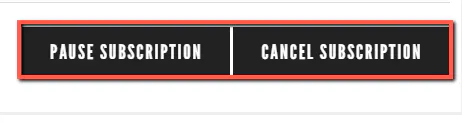
HOW TO PAUSE OR CANCEL YOUR SUBSCRIPTION
You can temporarily pause your subscription. This will prevent any further orders from renewing and being charged and dispatched. The Pause button will change to Reactivate when the subscription is paused. You can reactivate anytime. Alternatively you can permently cancel your subscription which deletes it from your account.
CLICK THE SAVE CHANGES BUTTON TO CONFIRM YOUR CHANGES.
To update your subscription system, quantity, coffee intensities or add a one-off treats see the steps below:
UPDATING YOUR SUBSCRIPTION
To update your subscription system, quantity, coffee intensities or add a one-off treats see the steps below:
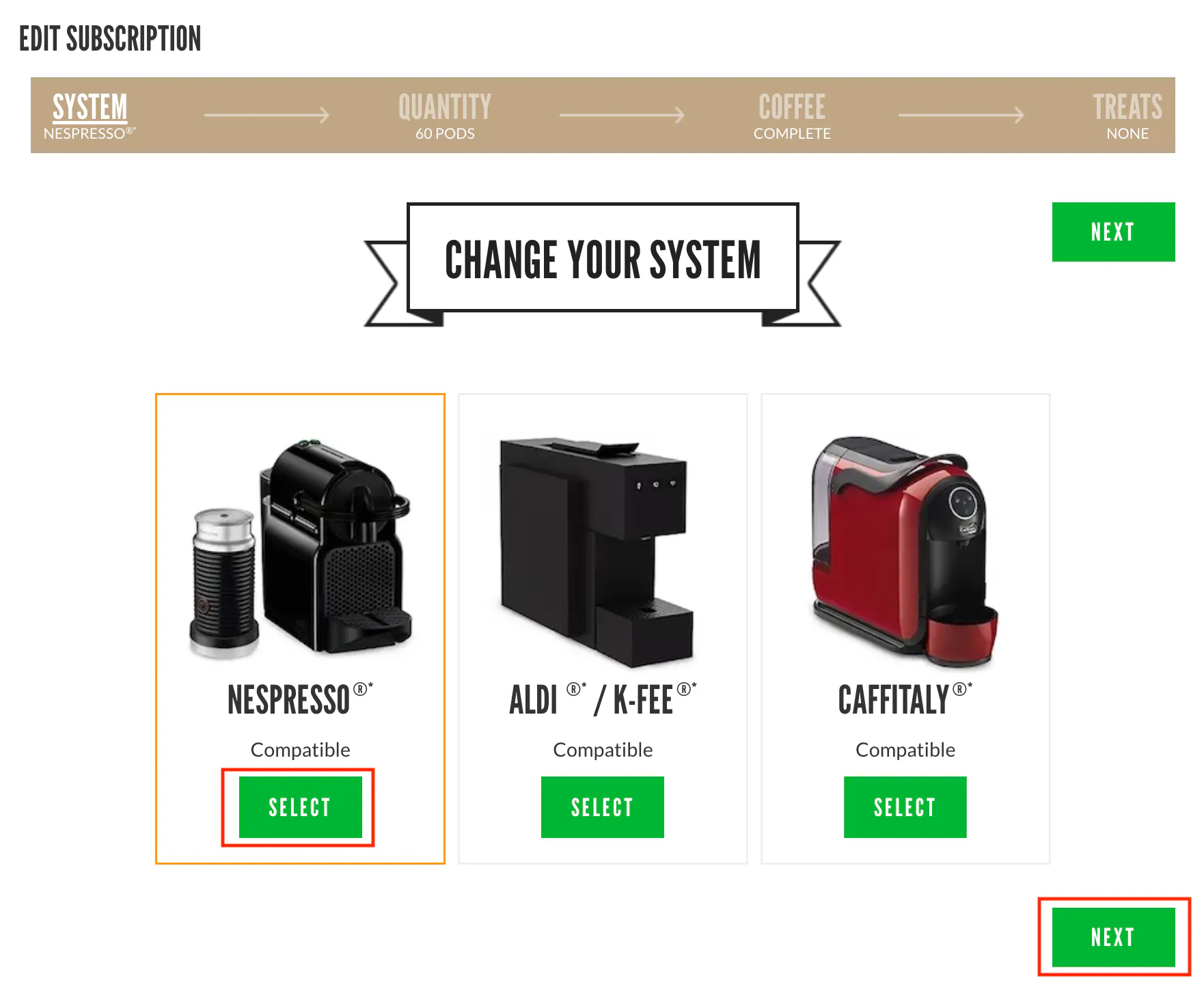
CHANGE YOUR SYSTEM
Edit the type of system/pod type. Click the SELECT button and then NEXT to progress.
CHANGE QUANTITY BRACKET
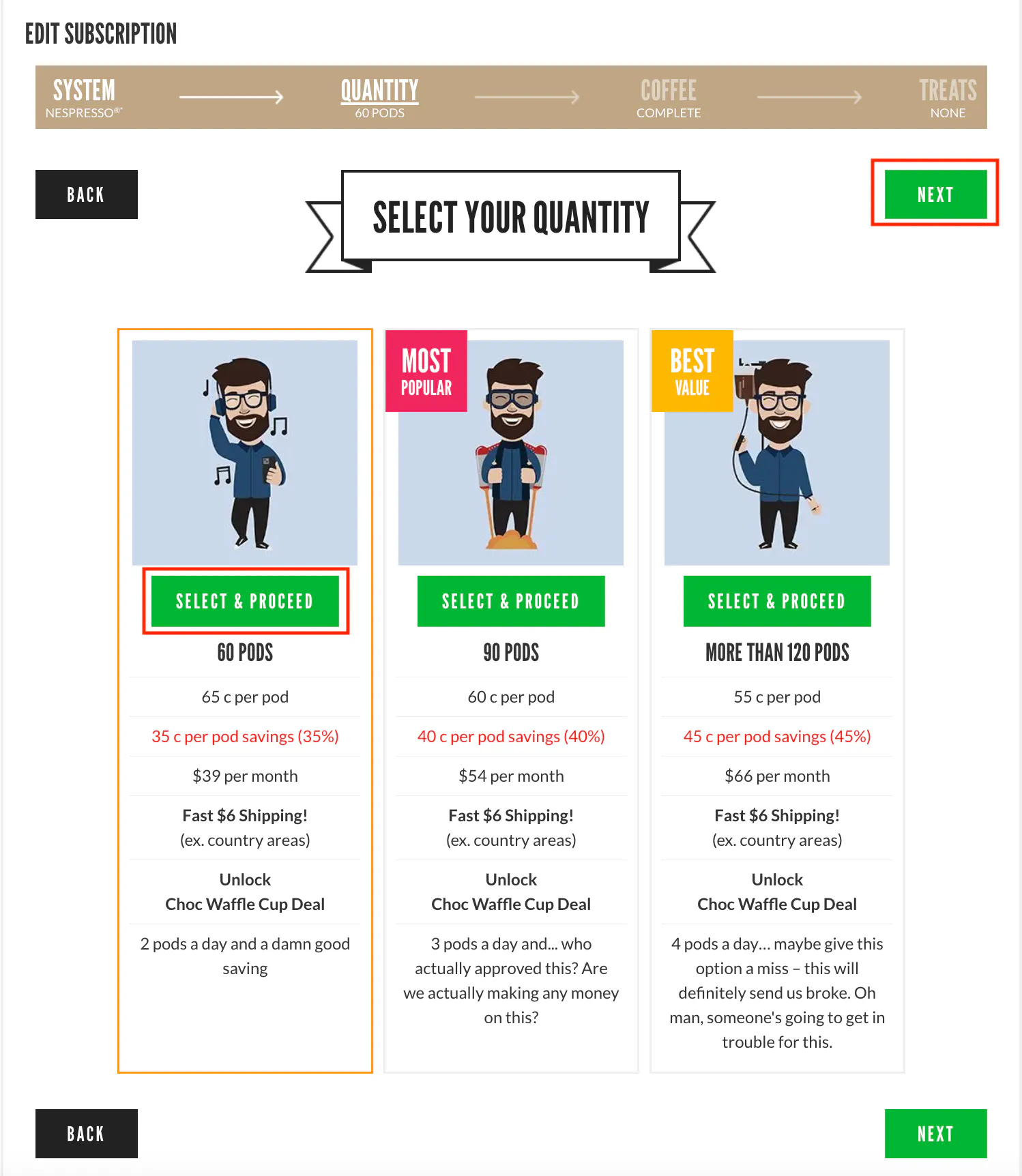
Edit the quantity bracket/discount group of your subscription by clicking on the SELECT & PROCEED button. Click NEXT to progress to the coffee selection page.
COFFEE INTENSITY/PRODUCT SELECTION
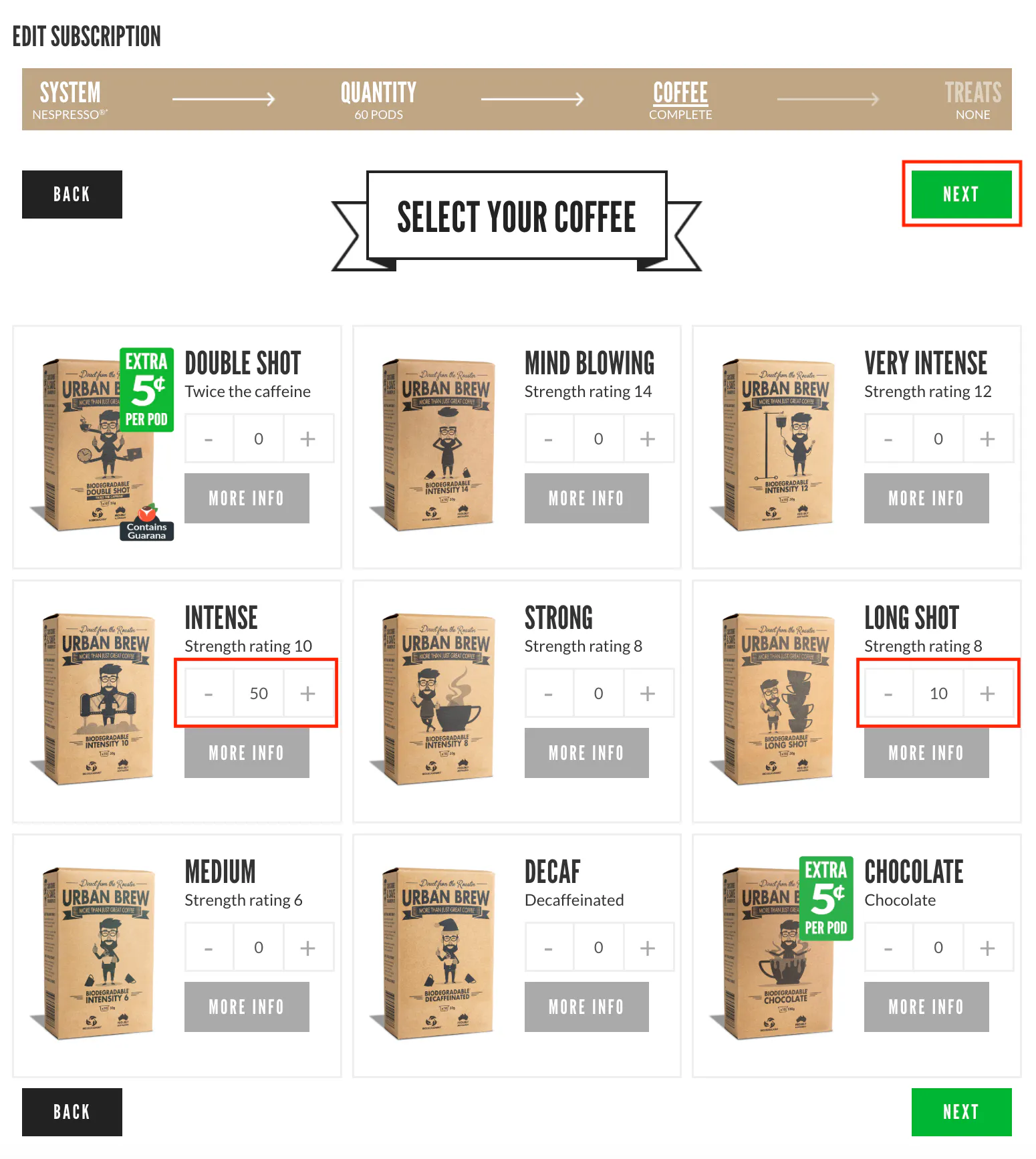
Edit the quantities of intensities in your subscription using the plus and minus buttons. Select the quantities/products you would like and then next to progress.
ONE OFF TREATS
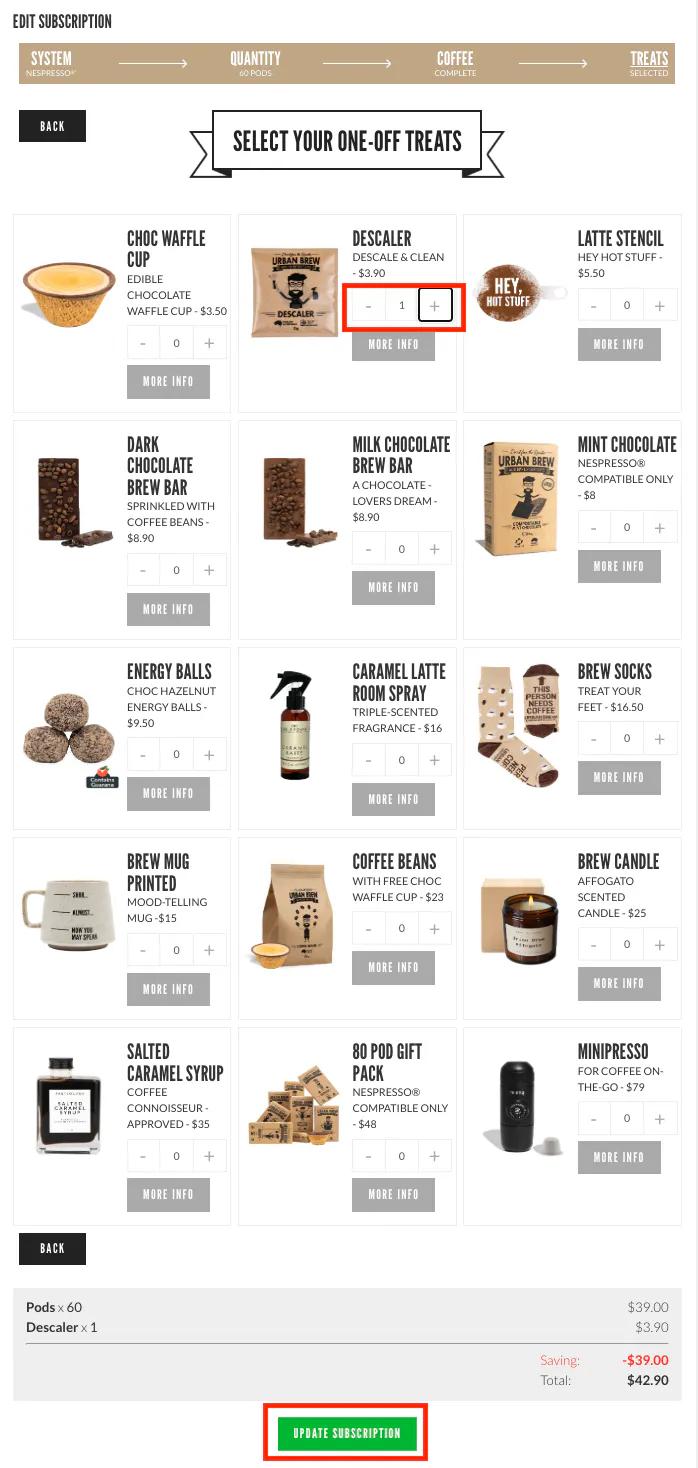
Here you can add our ONE OFF treat products to your next months subscription by clicking on the plus and minus buttons. They will not be recurring and will only be included for the next scheduled subscription renewal date.
QUESTIONS? QUERIES? WANNA SAY HEY?
Checkout our FAQs, send me an email at hello@urbanbrew.co, call us on 1800 875 495 or text us on 0480 030 347. We are happy to help!
Be happy,

Toby Strong (aka The Podfather)
Founder & Customer Happiness Specialist